- 바로가기메뉴
- 메뉴 바로가기
- 스마트폰 앱 설치방법 바로가기
- 제공기능 시작 바로가기
- 간략검색 바로가기
- 즐겨찾기 바로가기
- 주변정류소 바로가기
- 노선번호 바로가기
- 버스정류소 바로가기
- 길찾기 바로가기
Usage information
Install the Android app
- 01Execute the Play Store

- 02Search for Gyeonggi bus information
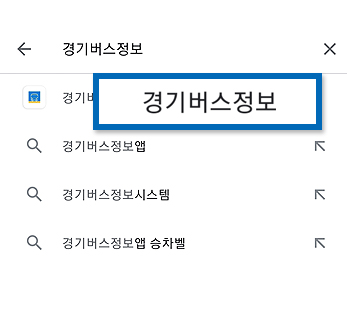
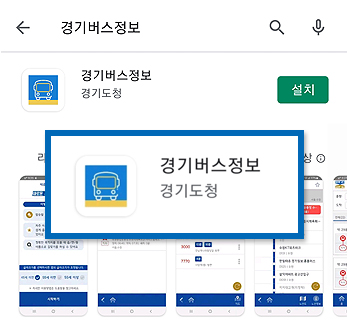
- 03Check the application
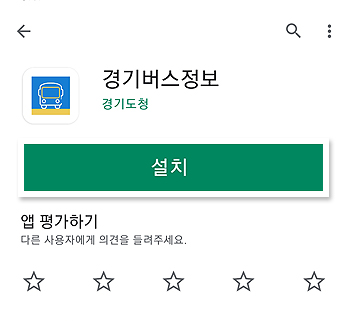
- 04Install the application
- 05Open (Execute) the application
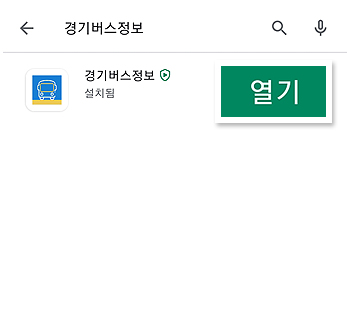
- 06Installation completed

Install the iPhone app
- 01Select the App Store icon
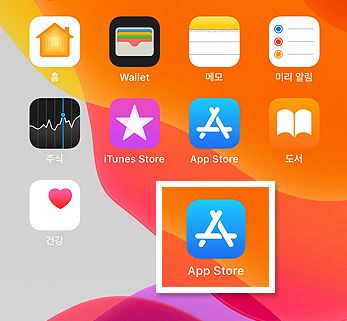
- 02Search for Gyeonggi bus information
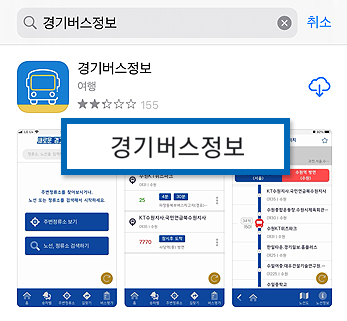
- 03Install the application
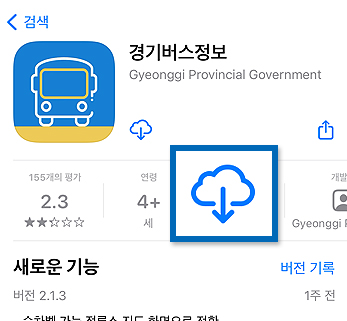
- 04Enter App ID and password
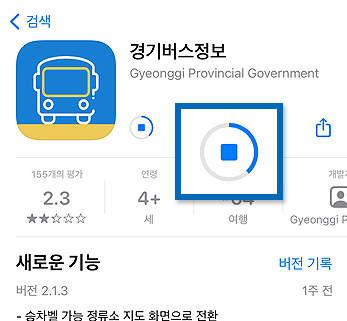
- 05Installation completed
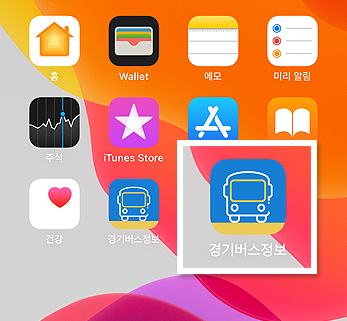
Search in breif
- ① Search the stop number
- ② Search bus number
- ③ Search for the stop number and the bus number
Main menus
- ① View stops nearby
- ② Search buses and stops
- 01Enter the bus number, the stop name, and the stop number
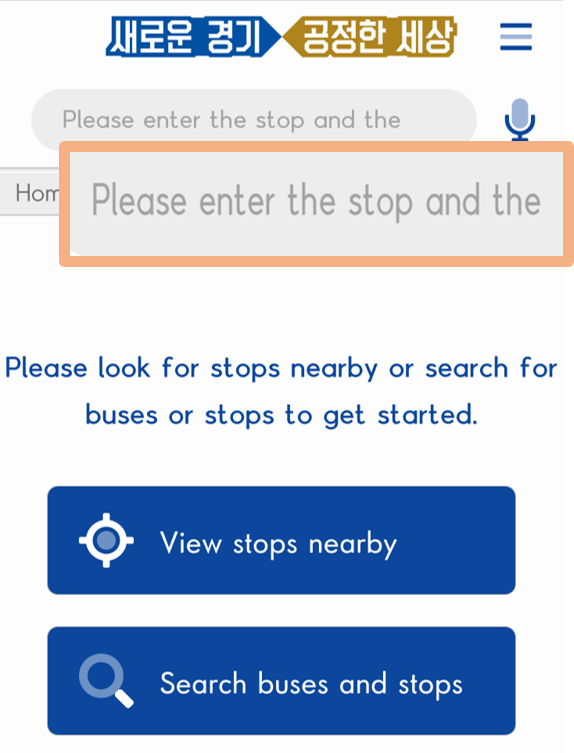
- 02View the search results in brief
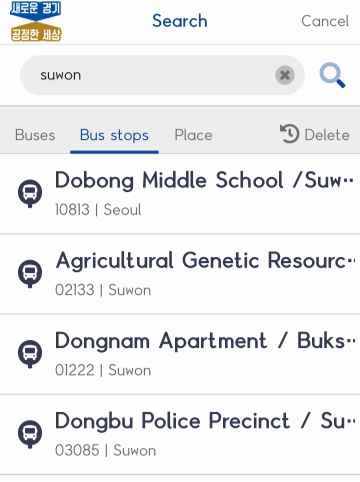
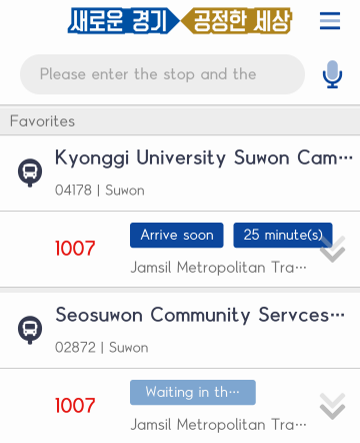
- 01List of Favorites
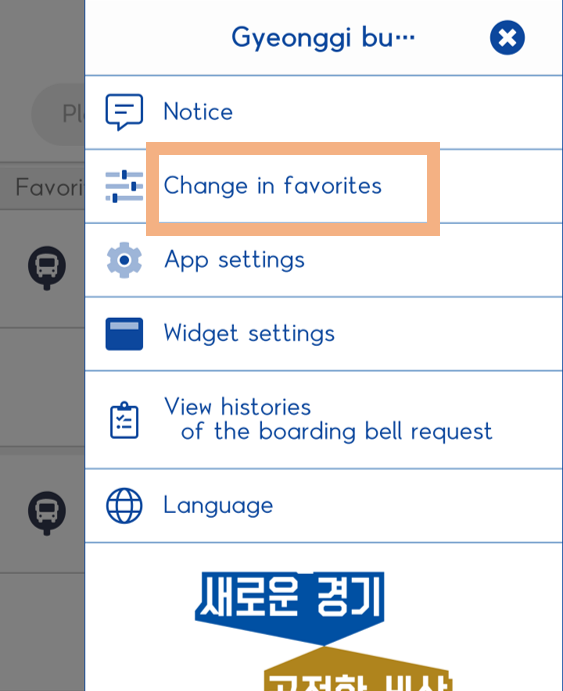
- 02Edit Favorites
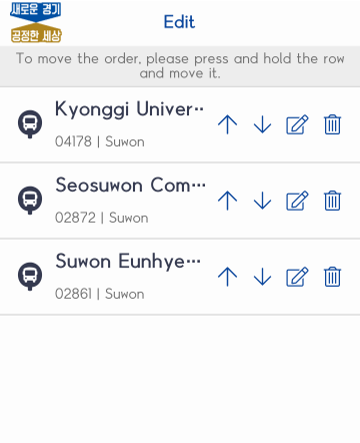
- 03Delete and modify Favorites
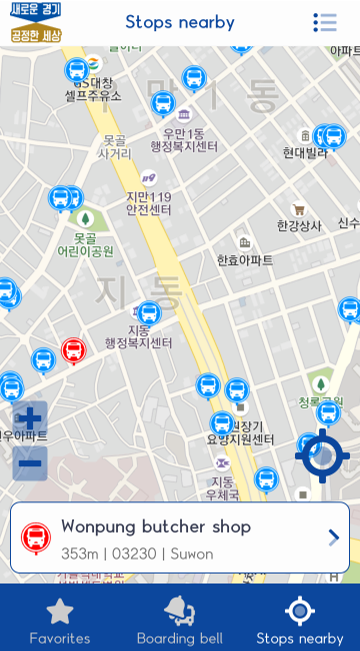
- 01View stops nearby
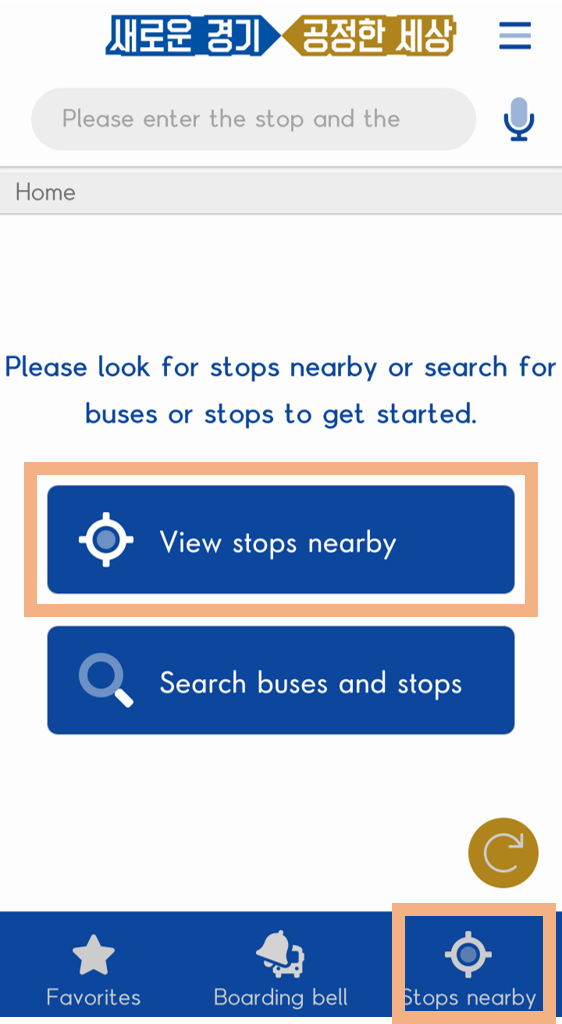
- 02Location of the bus stops is displayed on the map and information on the bus is provided when clicking.
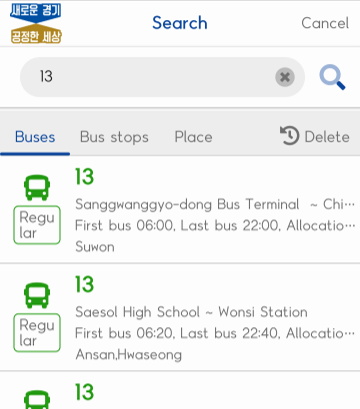
- 01Enter the bus number
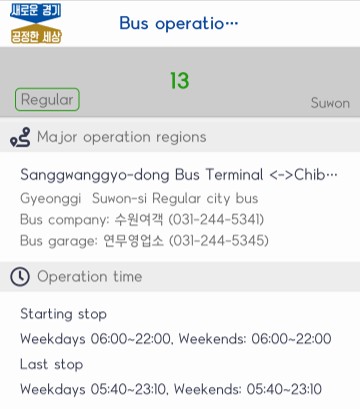
- 02Check the bus information
- 03View the bus map
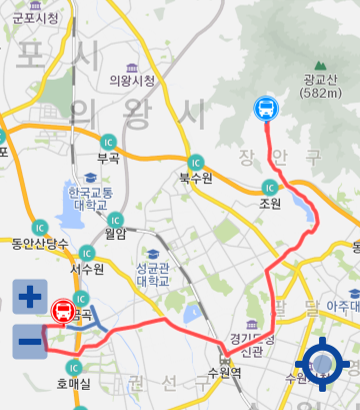
- 04View the real-time bus location
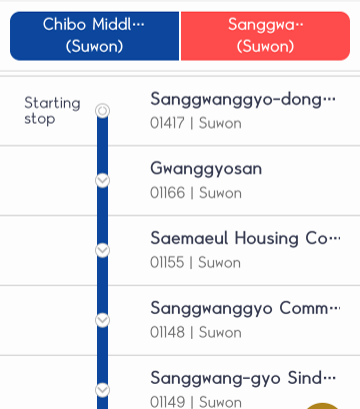
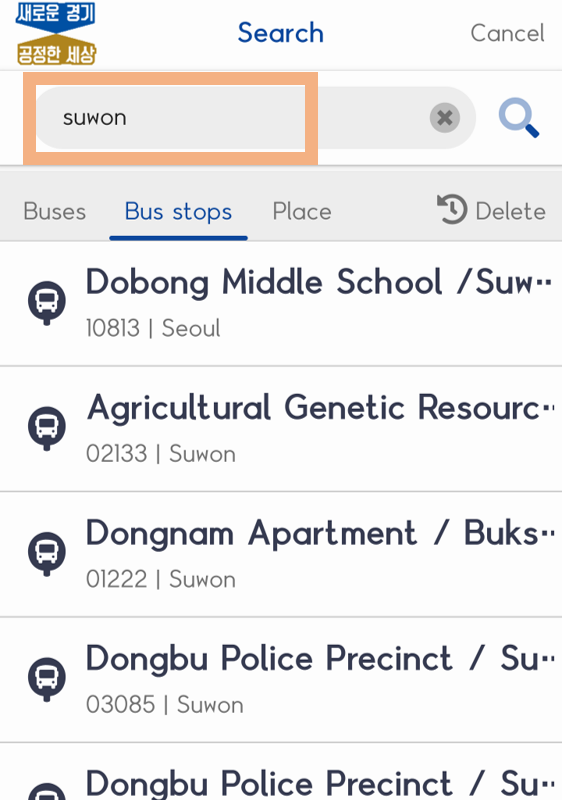
- 01Search for the stop name
- 02Check the estimated stop arrival information
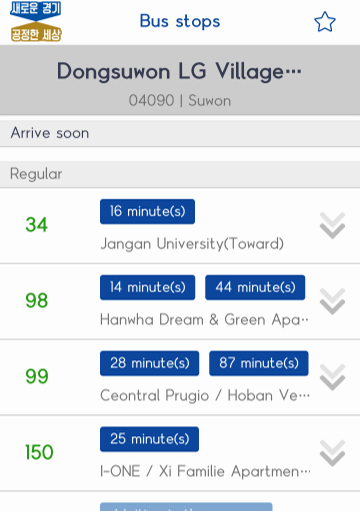
- 03Check the estimated route arrival information